Start calling Canton in minutes.
A short walkthrough of everything you need to query Canton Network data through the Transparent API.
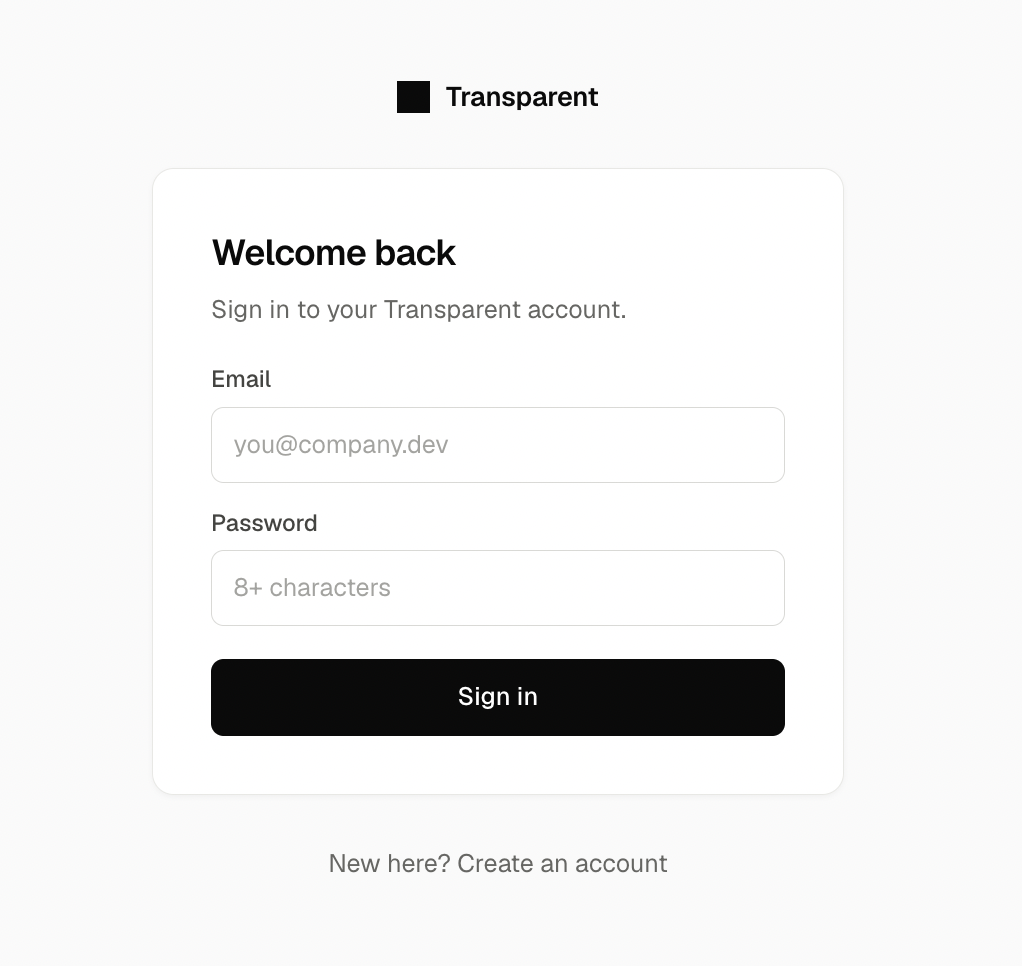
Sign up at /signupwith your email and a password (minimum 8 characters), then hit "Create account".
Signup does four things automatically: it allocates your Canton party ("A Canton party is allocated for you at signup — it holds your credits on-chain."), generates your API key — there is no separate create-key step — enables your party to receive Canton Coin, and assigns the default routing node. While it runs, the form shows "Allocating your Canton party…".
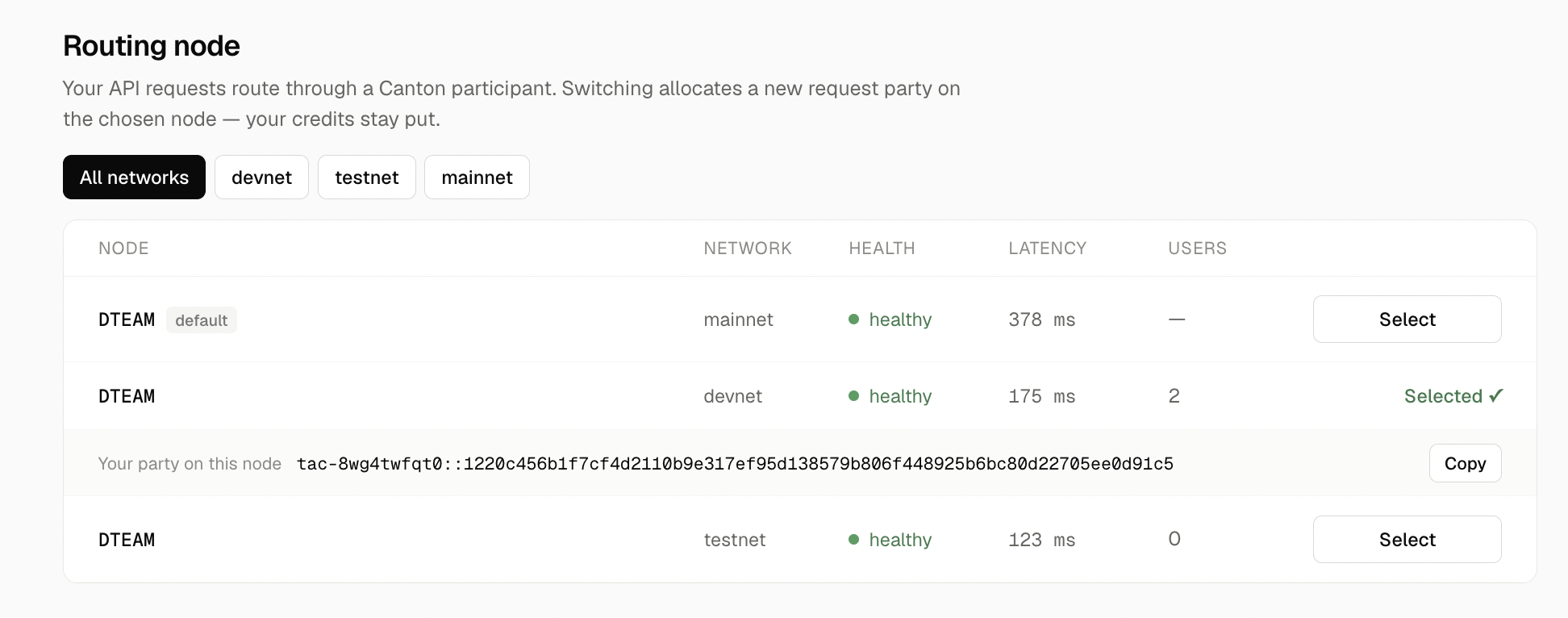
You start on the default node, so this step is optional. The Nodes tab lists available participant nodes under "Routing node", with filter chips for All networks / devnet / testnet / mainnet, columns for Node / Network / Health / Latency / Users, a "Select" button per row, and a "default" chip on the built-in node.
"Your API requests route through a Canton participant. Switching allocates a new request party on the chosen node — your credits stay put." After selecting, the row expands to show "Your party on this node" with a copy button.
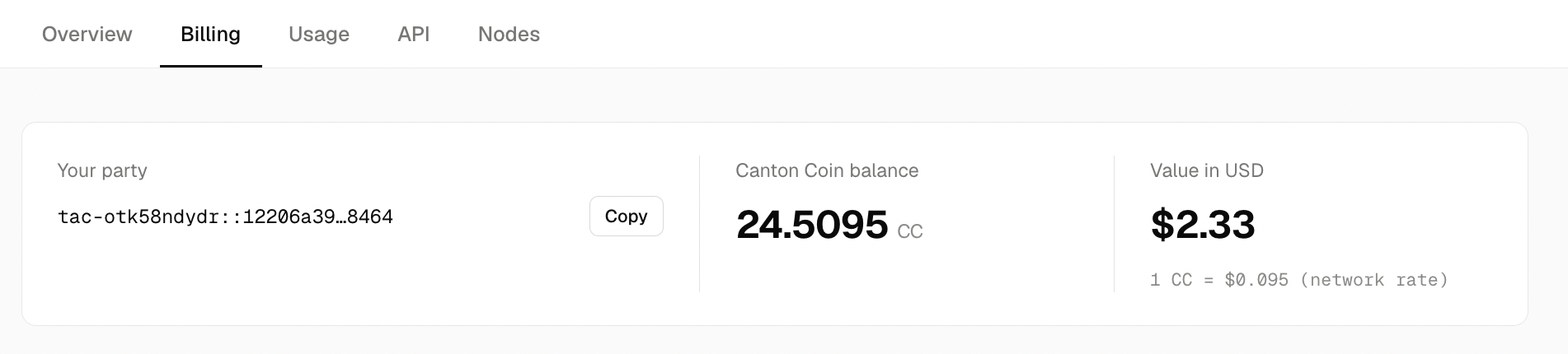
Open the Billing tab. Under "Your party" is your full Canton party ID with a copy button — this is your deposit target. Send Canton Coin (CC) to it from any Canton wallet.
The "Canton Coin balance" card shows your CC balance, and "Value in USD" shows it at the network rate. Receiving works out of the box — a transfer preapproval is set up for your party at signup.
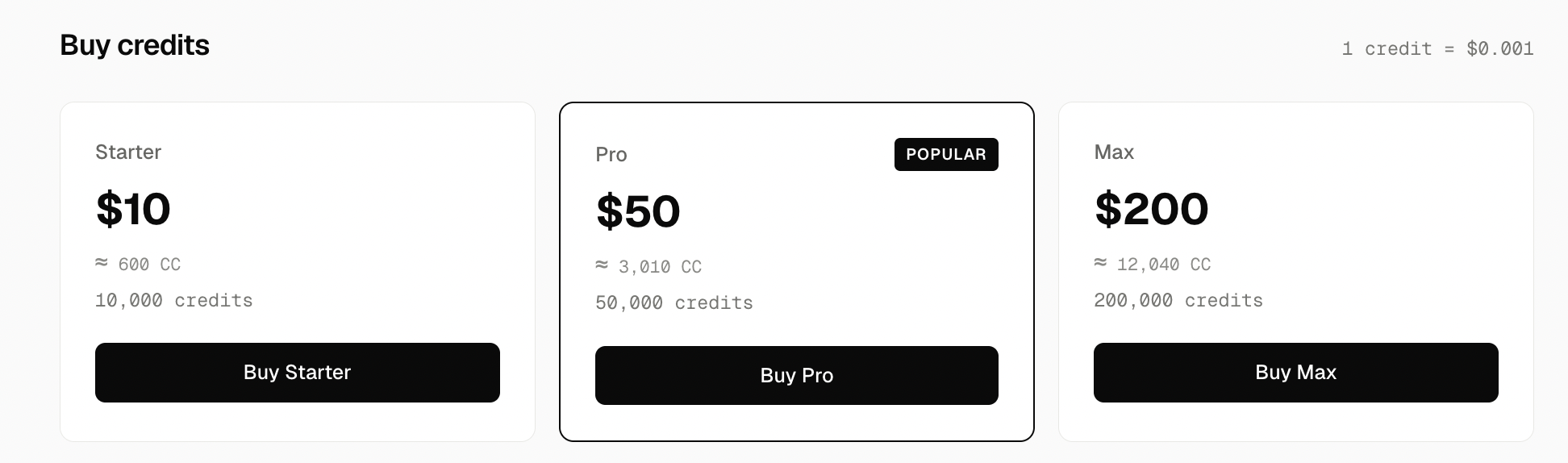
Still on Billing, scroll to "Buy credits". Pricing is linear: 1 credit = $0.001.
| Plan | Price | Credits |
|---|---|---|
| Starter | $10 | 10,000 |
| Pro | $50 | 50,000 |
| Max | $200 | 200,000 |
Pro is tagged POPULAR in the UI.
Click "Buy {plan}": the app debits the CC from your party and mints your credits on Canton in one action. The success toast reads "Purchased {name} — +{credits}credits minted on Canton", and "Purchase history" below lists past buys. Your credit balance shows on the Overview tab in the "Balance" card.
Open the API tab. "Your key is embedded in the URL — no auth headers needed. Send JSON Ledger API v2 requests to your base URL."
The base URL pattern is https://ledger-json.transparentscan.xyz/v2/<your-key>/… — your key rides in the path, nothing else to configure.
The "Danger zone" card shows the raw key ("Your API key") and a "Rotate key" button. Rotating makes the current URL stop working immediately — the confirm dialog says so.
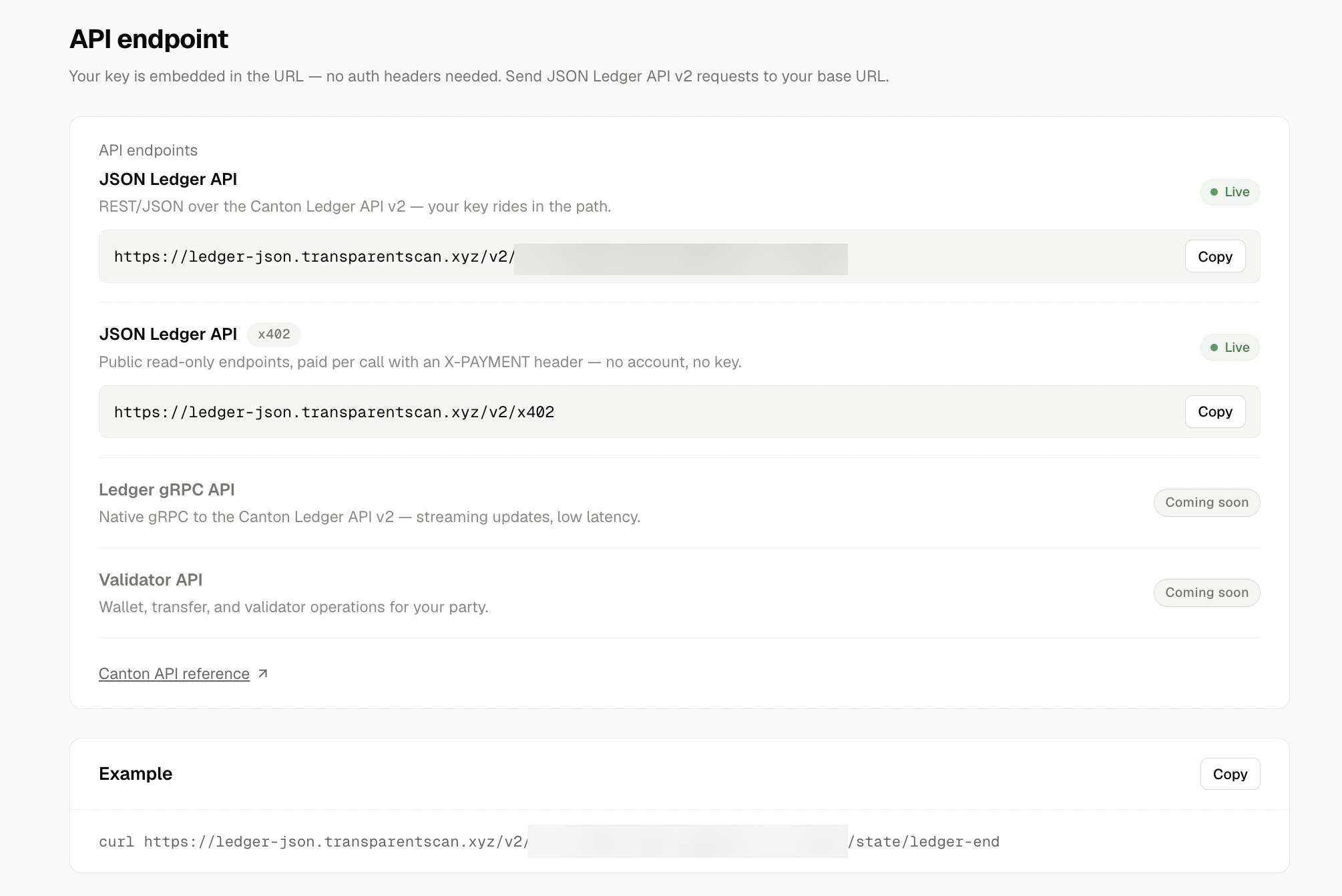
curl https://ledger-json.transparentscan.xyz/v2/$KEY/state/ledger-end

# 200 OK · 1 credit
# { "offset": "…" }
Any JSON Ledger API v2 path works the same way; every call is metered in credits against your balance. Track usage on the Usage tab.
curl -H "X-PAYMENT: <payload>" https://ledger-json.transparentscan.xyz/v2/x402/state/ledger-end